ElderCare: stay home longer Part 3
If you read the Part 1 and Part 2 of this series you will find that we have the system running and it appears to work nicely... until 15-30 minutes go by and it stops. Putting a fan on it seemed to help it run longer, but I'm not clear that's what made a difference. Also sometimes when I plug it in (USB C) it does not work, but does again after I unplug and replug it in.
My theory is I have a power issue, so I am going to dig into that now. Every engineer should have extra parts, and I am fortunate to have a bevy of capacitors:
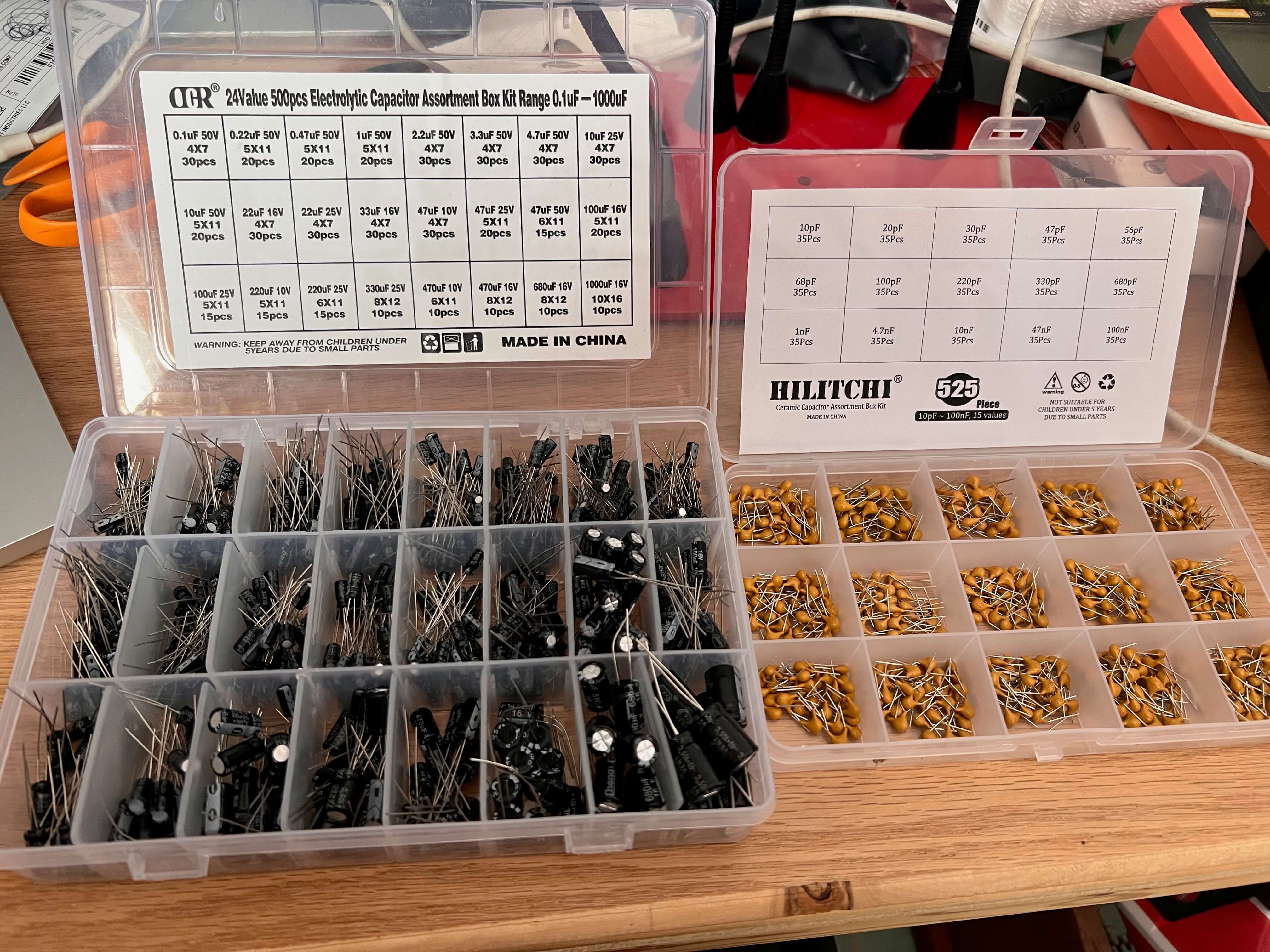
I'm going to put a 100µF electrolytic cap (left) and a 0.1uF ceramic capaciter. It actually appears to be working worse than before - I can get it to work but for a minute at a time. Most of the time it registers no movement.
In dubugging when things don't make sense I go backwards to the original state when they did make sense. When I was running the test code I didn't see any issues. I load the test program "fall.ino" and it seems to report body movement reliably. This is a good thing - it is a tiny clue that my problem might be software, an easy thing to fix.
The test program uses this code to return the variable 'Body Movement':
sensor.smHumanData(sensor.eHumanMovement)
This is odd because sm = sleep mode. I was using this:
sensor.smHumanData(DFRobot_HumanDetection::eHumanMovingRange);
The data from the test program worked much nicer.. so I use that exactly. I am also only retrieving human movement, which is a value from 0-100 of how much movement is happening, which in addition to fall detection is really all I care about.
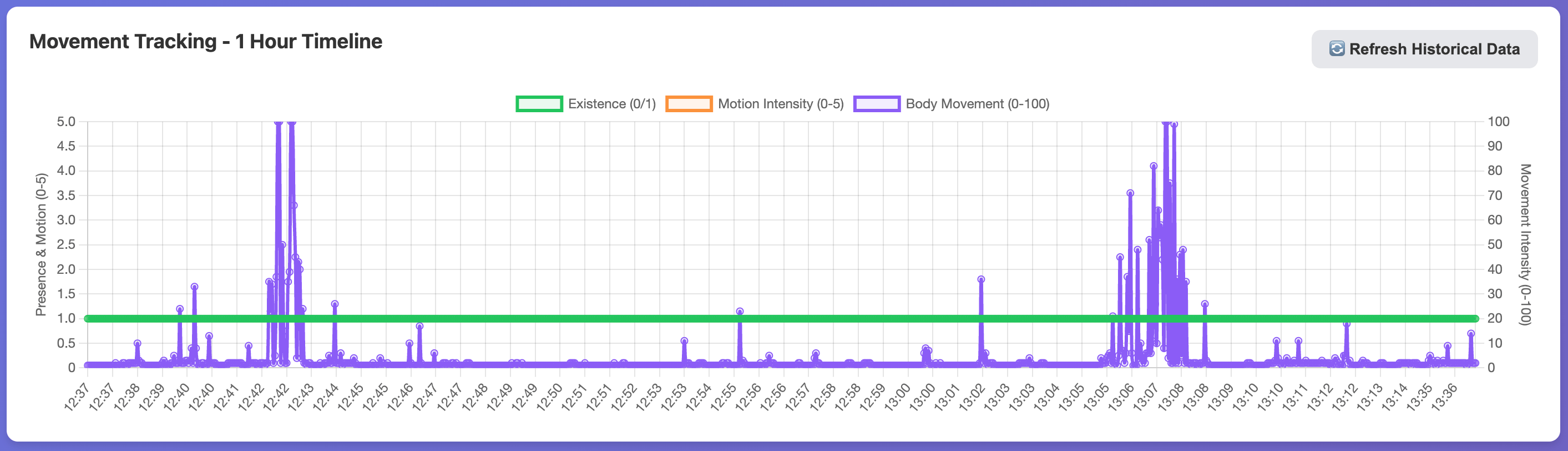
It's working nicely now, no fan, and runs for 24+ hours at a time. It detects people correctly when I enter the room, and correctly shows the amount of movement.
It's starting to feel like a product I could depend on.
Here are my concerns now:
- Network Connectivity: putting a device on the local wifi is an unpleasant experience for most people, including myself, and I am somewhat good with networking. My instinct is to remove that pain and put in something like a Blues NoteCard Cellular, a 4G cell modem that comes with 500MB of data. With this there would be no internet access required. There are 525,600 minutes in a year, so if I send 265 bytes per minute that gives us 3.7 years before needing more data. Not Bad! The Blues NoteCard Cellular costs $50 which is a decent amount, but it might pay for itself with the ease of integration. Also just the main picture frame needs it - the others can all talk on zigbee or wifi.
- Network Connectivity: These initial units I am making are going to be on wifi as that is what I have working now. But I need a super easy way to get them on the network. Hopefully that become clear when I make the phone app.
- Phone App: I am going to start that now - it is likely the main user interface, so getting all the nuances of the web interface working isn't entirely necessary. I am going to use flutter and I really need to think about the user interface.
- Building the next Units:
Phone App:
Using Flutter I am going to start with a simple phone app that shows the 'movement of the day' and the ability to go to previous days to see movement. I start by having claude make a basic flutter app that can login. After some xcode setup that it walked me through it was running nicely on my iphone and on an iphone simulator on the computer. It had been a while since I had made an iOS app, and this by far is the easiest.
Within 1 day of working I had the iphone app looking like this:
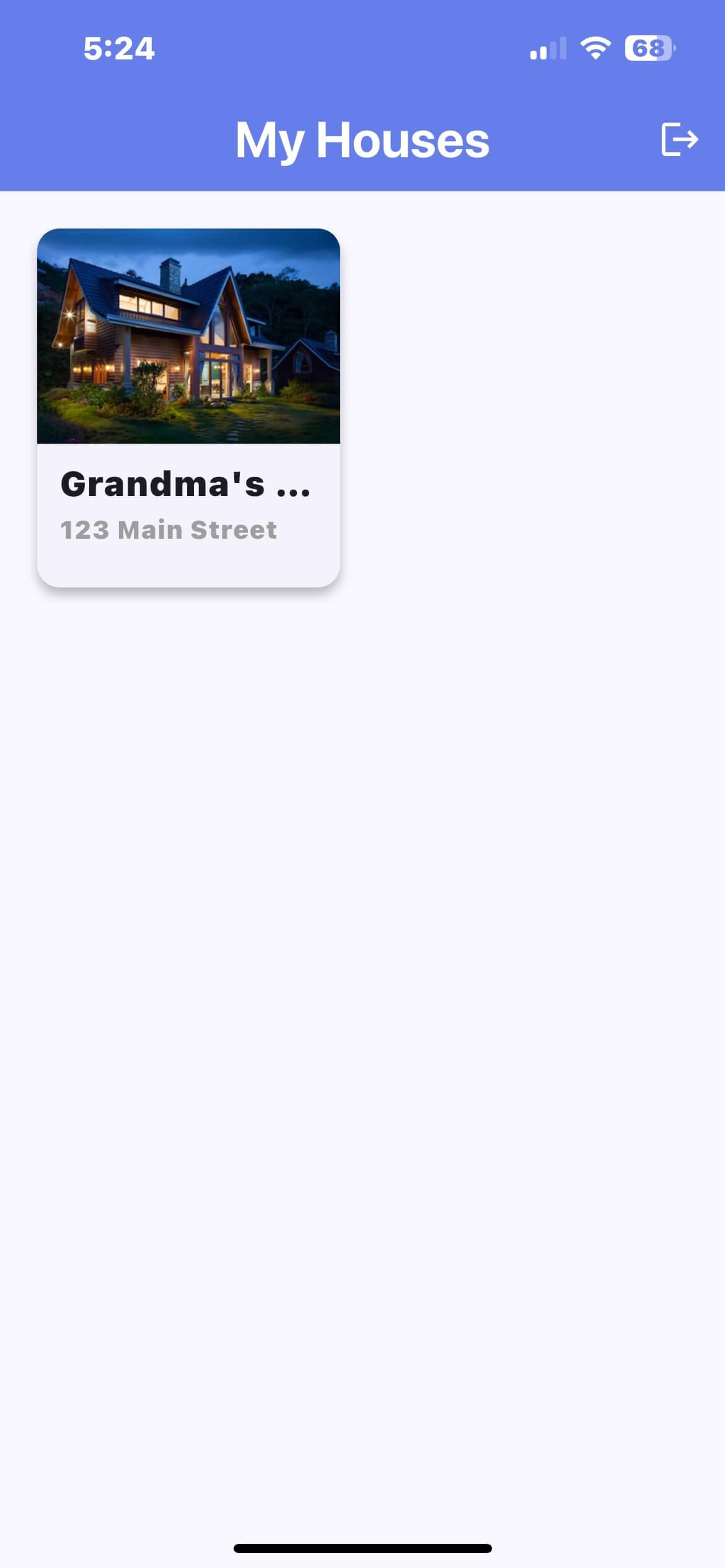
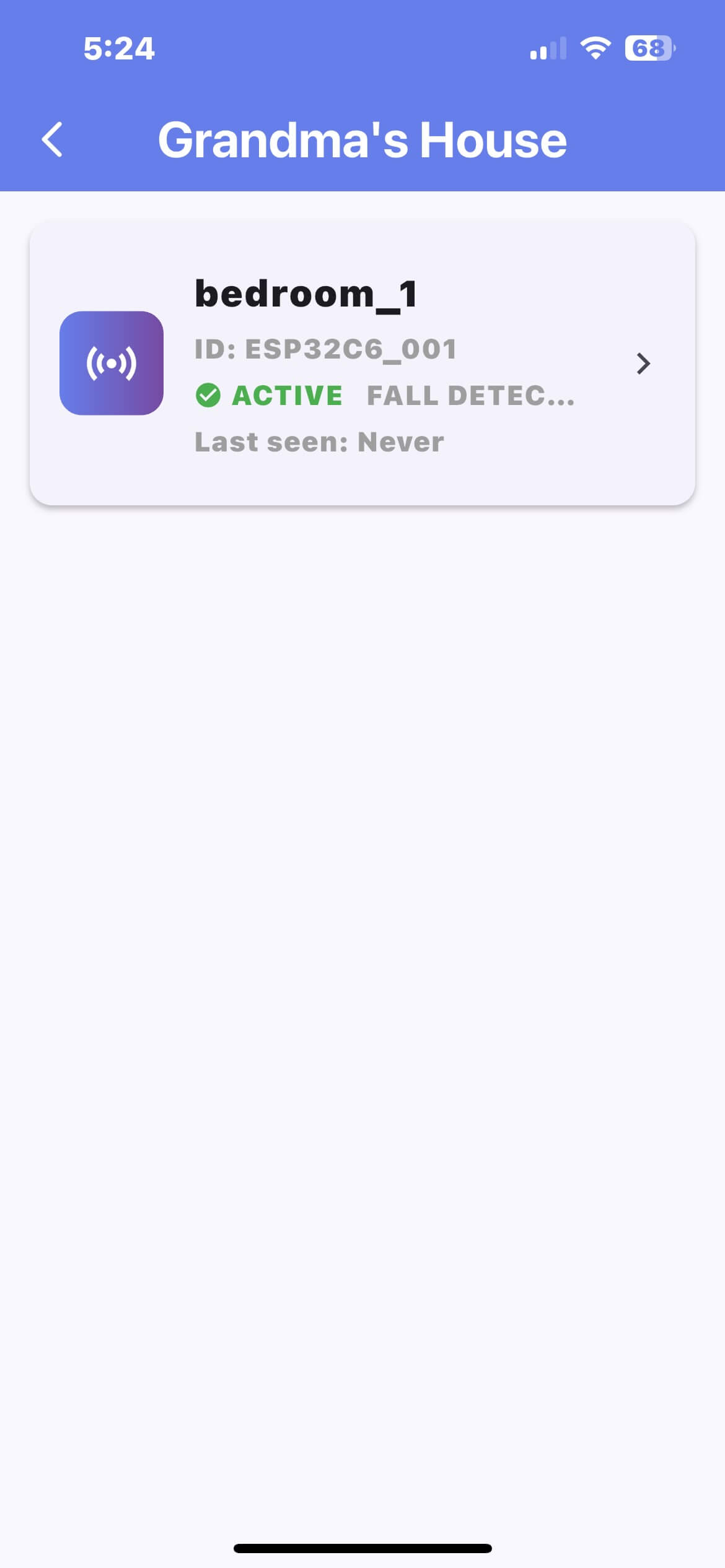
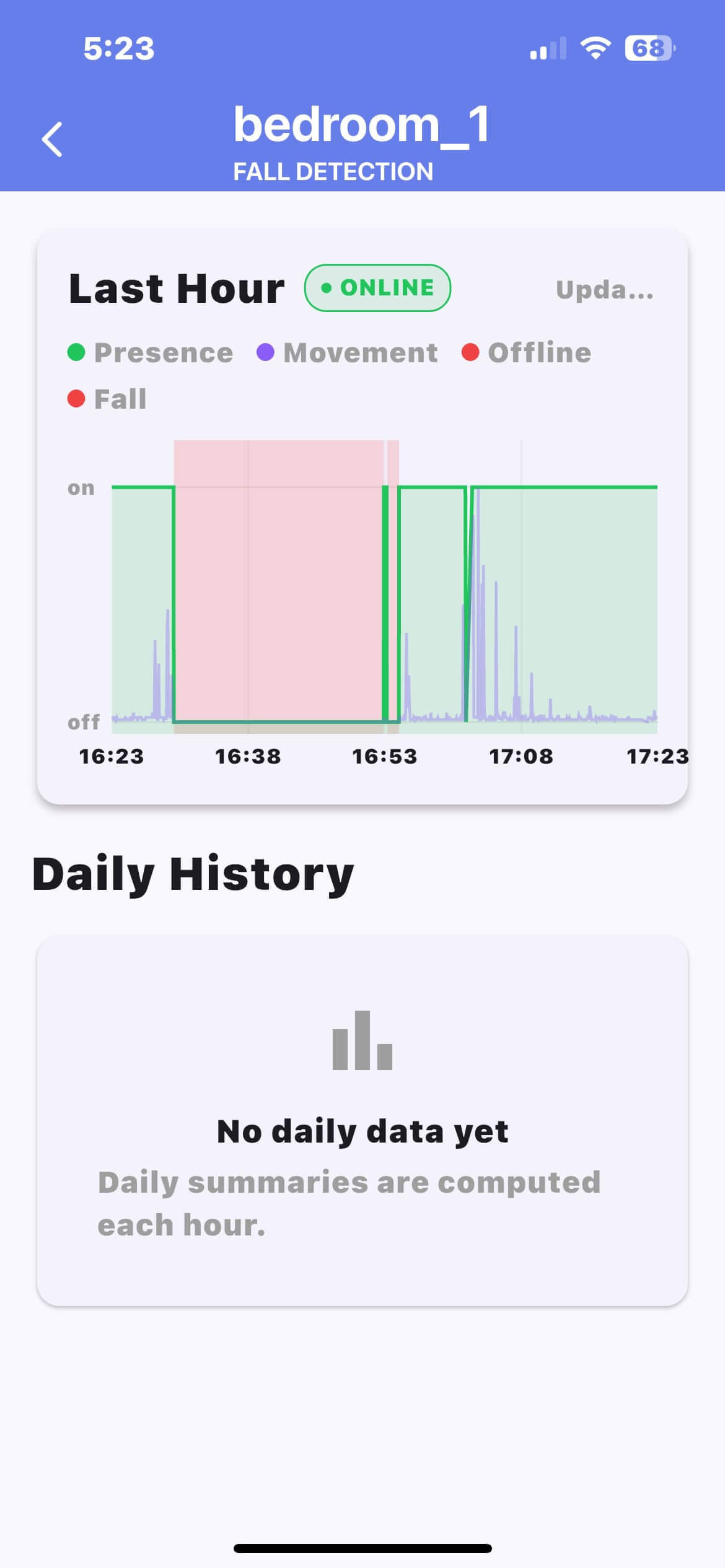
Each CareTaker can have multiple houses, and each house can have multiple moveOmeters for each room. The graph is more busy than it will be - this is just for testing to see all of the raw data. My thinking is that the UI needs to be super simple:
- List of Houses (for caretakers with multiple locations) with a green, yellow, red indicator.
- Daily report, Weekly report, monthly, yearly. These would be super simple summaries of movement + pointing out anything irregular in their schedules.
- Graph of the day with previous days overlaid of motion and sleep quality.
Here is my to do list:
- suss out current potential name for product: stillKickin
- put BOM together + place order for 5 frames.
- figure out mechanical picture frame integration (3D print? Glue thin wood?)
- Remote firmware updates for ESP32
- Ability to configure WIFI remotely (for initial prototypes only)
- Database
- make public facing website
- finish V0.1 of iphone App
- start V0.1 of Android App